
Define triggers
Choose the event conditions that should create checks, prompts or routing tasks.
AI Auction Automation
Bidvantic helps auction teams automate repetitive review, reminder, preparation and routing tasks so operators can move faster without losing governance, auditability or human decision ownership.
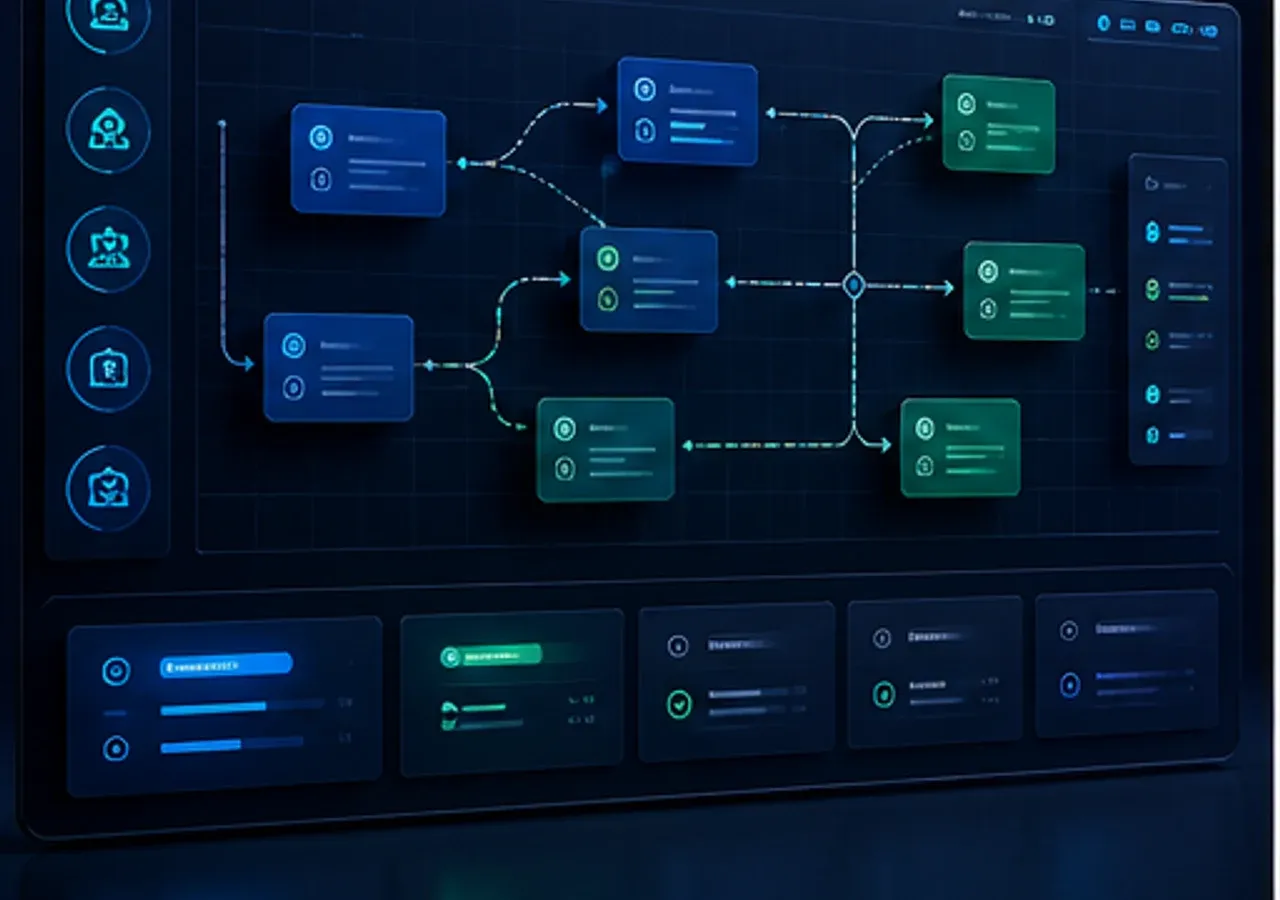
Routine reminders, checks, summaries and routing can be accelerated across auction workflows.
Critical actions remain reviewable and approvable before they affect an event.
Automation reduces delays around setup, document readiness, alerts and closeout follow-up.
Automated prompts and approved actions can remain tied to the event record.
AI auction context
Auction teams spend time checking readiness, sending reminders, summarizing activity, routing approvals and chasing closeout steps. AI automation helps with that operational load while keeping humans responsible for material decisions.
Best fit: busy auction operations, marketplaces, procurement programs and enterprise teams with repeatable events.Intelligence blueprint
Bidvantic can place AI-assisted automation around setup, participant readiness, live monitoring, exception routing, award review and closeout.
Map your operating modelWorkflow
Each stage keeps AI assistance connected to auction data, user responsibility and reviewable action.
Choose the event conditions that should create checks, prompts or routing tasks.
Separate low-risk automation from actions that require review or approval.
Use AI to summarize readiness, missing data, document gaps or unusual activity.
Send recommendations, reminders or approval requests to the right role.
Measure effort saved, action quality and exceptions after each event.
Capabilities
The content is built around practical AI support for live events, operating teams and commercial review.
Review whether event setup, lots, documents, timing and participant steps are complete before launch.
Prompt qualified users about registration, document acknowledgements, deadlines or next bid opportunities.
Watch for stalled activity, late pressure, thin participation or rule-triggered operator attention.
Send launch, award, exception or configuration recommendations to the right owners.
Prepare concise event briefs, bid movement summaries and closeout notes for review.
Classify support issues, missing information, bid concerns or post-award blockers for faster handling.
Define which actions can be suggested, queued, auto-sent or approval-gated.
Use event outcomes to refine triggers, templates and workflow timing.
Experience
AI should reduce uncertainty, focus attention and preserve the user's command of the auction process.
Teams can see recommended checks, pending approvals and live exception actions in one place.

AI prepares the next action, but accountable users decide what moves forward.

Important auction conditions surface quickly without flooding teams with noise.
Controls
Bidvantic keeps AI assistance connected to permissions, source data, confidence and human decision ownership.
Define what can be automated, recommended, queued or blocked by event type.
Require review for launch, award, reserve, cancellation, export or exception actions.
Send tasks only to users with the correct responsibility and authority.
Record prompts, approvals, automated messages and action outcomes.
Route low-confidence or conflicting signals to manual review.
Measure automation impact on speed, quality, participation and exception volume.
Role impact
Each user group gets AI support aligned to what it is responsible for inside the auction lifecycle.
Automate readiness checks, reminders and summaries while keeping control of live decisions.
Less operational dragReceive contextual approval requests instead of disconnected emails.
Clearer decisionsUse triage signals to prioritize bidder questions, document gaps and closeout blockers.
Faster responseAdd more events without multiplying manual coordination effort.
Repeatable growthConnected data
These connections help Bidvantic ground recommendations in live records, controlled documents and business handoffs.
Decision room
Use these answers to pressure-test the ai auction automation operating model before configuration begins.
Ask a specific questionIt can support readiness checks, reminders, summaries, routing, alerting and exception triage. Critical actions should remain governed by human review.
Yes, but message triggers, content and audience rules should be configured carefully and reviewed according to your operating model.
No. Rule changes, awards, reserve decisions and other consequential actions should remain approval-gated.
Yes. The triggers and workflows differ, but the same principles apply: reduce repetitive effort while preserving control.
Start with a small set of high-value triggers, review false positives after events and tune thresholds over time.
AI auction roadmap
Bring your auction data, workflows, user roles and risk boundaries. We will map where AI can help without weakening control.