
Identify material events
Define which user, bid, rule, document and award actions must be traceable.
Audit trails
Bidvantic helps teams retain the bid history, rule changes, approvals, participant actions, administrative decisions and closeout records needed to explain how an auction outcome happened.
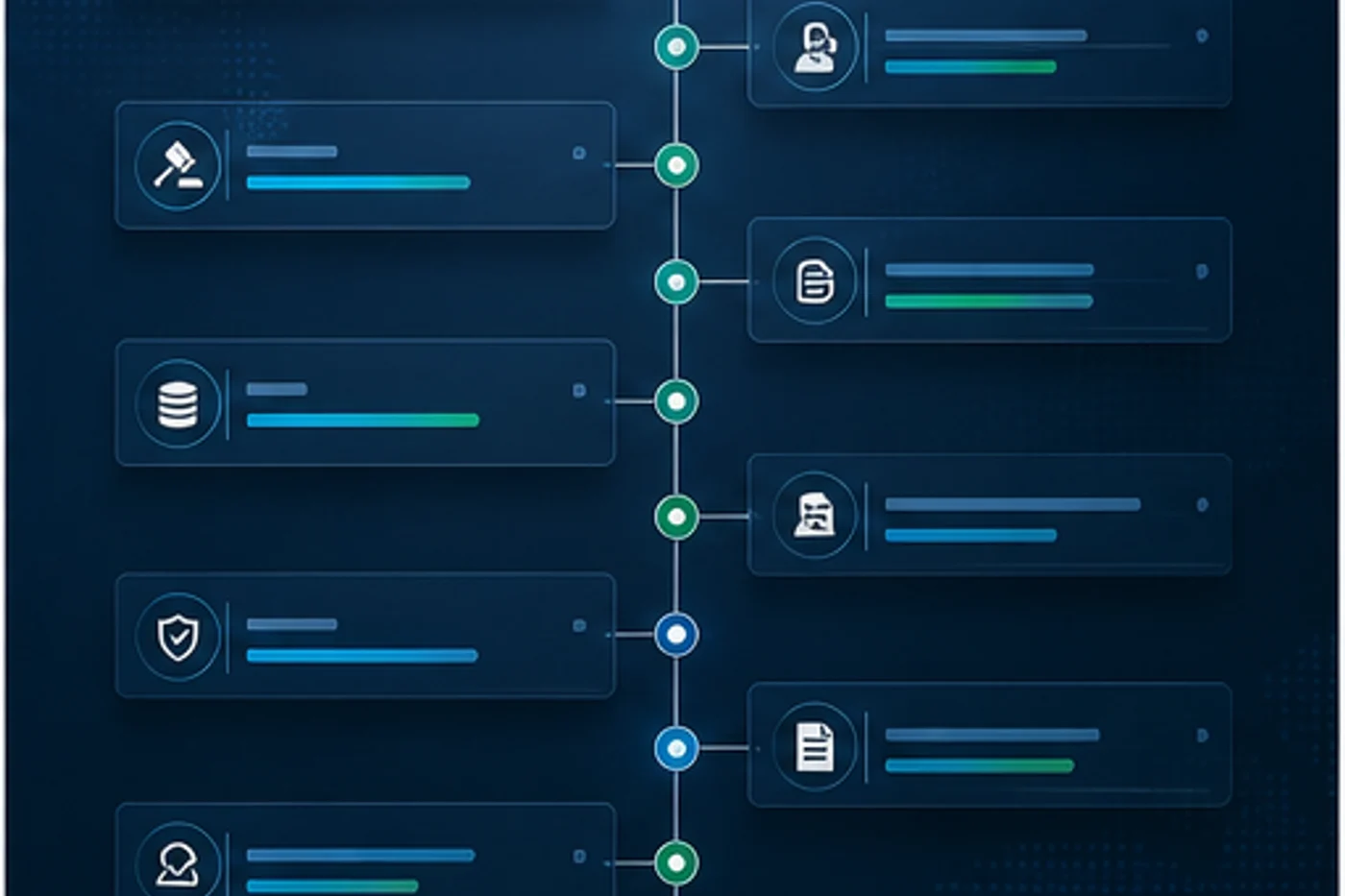
Bids, edits, approvals and administrative actions are organized into a clear chronology.
Commercial movements can be reviewed with the timing and participant context intact.
Configuration changes, award decisions and overrides keep their reason trail close by.
Audit reviewers can work from structured evidence instead of scattered screenshots and emails.
Enterprise context
After an event closes, stakeholders may ask who changed a rule, why a bidder was approved, what price movement occurred or why an award was accepted. Bidvantic keeps that evidence connected to the workflow.
Best fit: high-value events, public-sector workflows, procurement programs and regulated transaction environments.Operating blueprint
Bid events, approvals, document versions, participant changes and administrative actions are connected to the auction context they affect.
Map your operating modelWorkflow
Each stage connects platform configuration with the people, evidence and handoffs needed for serious auction programs.
Define which user, bid, rule, document and award actions must be traceable.
Connect records to event, lot, participant, role, time and reason where relevant.
Attach approval evidence to the transaction or change it authorizes.
Inspect unusual activity, re-awards, disqualifications and manual interventions.
Align evidence retention and exports to enterprise governance expectations.
Capabilities
The page is built around practical operating needs rather than generic feature language.
Preserve bid movement, timestamps, bidder context and event rules.
Trace configuration, participant, document and rule changes.
Link approvals to launches, awards, exceptions and closeout actions.
Track document changes, addenda, acknowledgements and controlled releases.
Identify unusual actions, late changes, failed checks and manual interventions.
Support review packs and data extraction for authorized teams.
Plan what should remain available after auction close.
Summarize evidence quality, activity and unresolved exceptions.
Experience
Enterprise pages use fresh imagery and distinct content while keeping the same rich page rhythm across the sitemap.
Reviewers can follow the sequence of material auction events.

Decision records stay connected to the action they authorized.

Teams can close the loop on payment, release and handoff records.
Controls
These controls help business, technology and operations teams agree how the platform should behave before scale.
Agree which actions are required in audit records.
Capture who acted and which role enabled the action.
Use consistent event timing across bidding and workflows.
Connect approvals directly to launch, award or exception actions.
Limit who can extract or distribute audit evidence.
Plan how evidence is retained after event close.
Roles
A strong enterprise rollout names responsibility clearly across business, technology and operational teams.
Inspects event history, exceptions and approval records.
Evidence reviewRuns workflows that automatically produce traceable records.
Action sourceAdds approval context for material business decisions.
Decision recordSupports retention, export and integration requirements.
Data controlConnected systems
Integration needs vary by customer, but the same planning discipline applies across enterprise auction programs.
Decision room
Use these answers to pressure-test the audit trails operating model before configuration begins.
Ask a specific questionBid activity, rule changes, participant approvals, document updates, administrative actions, award decisions and closeout records can be captured depending on configuration.
Authorized export and reporting can be planned for review packs, BI or governance processes.
Yes. Approval workflows can attach decision evidence to the launch, award, exception or closeout action they govern.
They can provide a clearer record of event rules, participant activity and decisions, which is useful during internal reviews or disputes.
No. Many records are created through workflow activity; manual notes are most useful for reasons, exceptions and business judgment.
Next step
Bring your auction model, stakeholder roles, system landscape and governance requirements. We will shape the right Bidvantic foundation around it.